How to Print on Vellum Paper
To print on vellum paper, first find out which kind you have. Vellum finish paper is a solid, opaque sheet with a soft tooth, and it prints like regular cardstock on any laser or inkjet printer. Translucent vellum is the see-through kind, and it needs a laser printer or a light ink setting plus time to dry. This guide covers both, step by step, so your next menu, program, or invitation comes out clean the first time.
Two papers share one name
Shoppers mix these two up all day long, and the mix-up leads to wasted sheets and smeared ink.
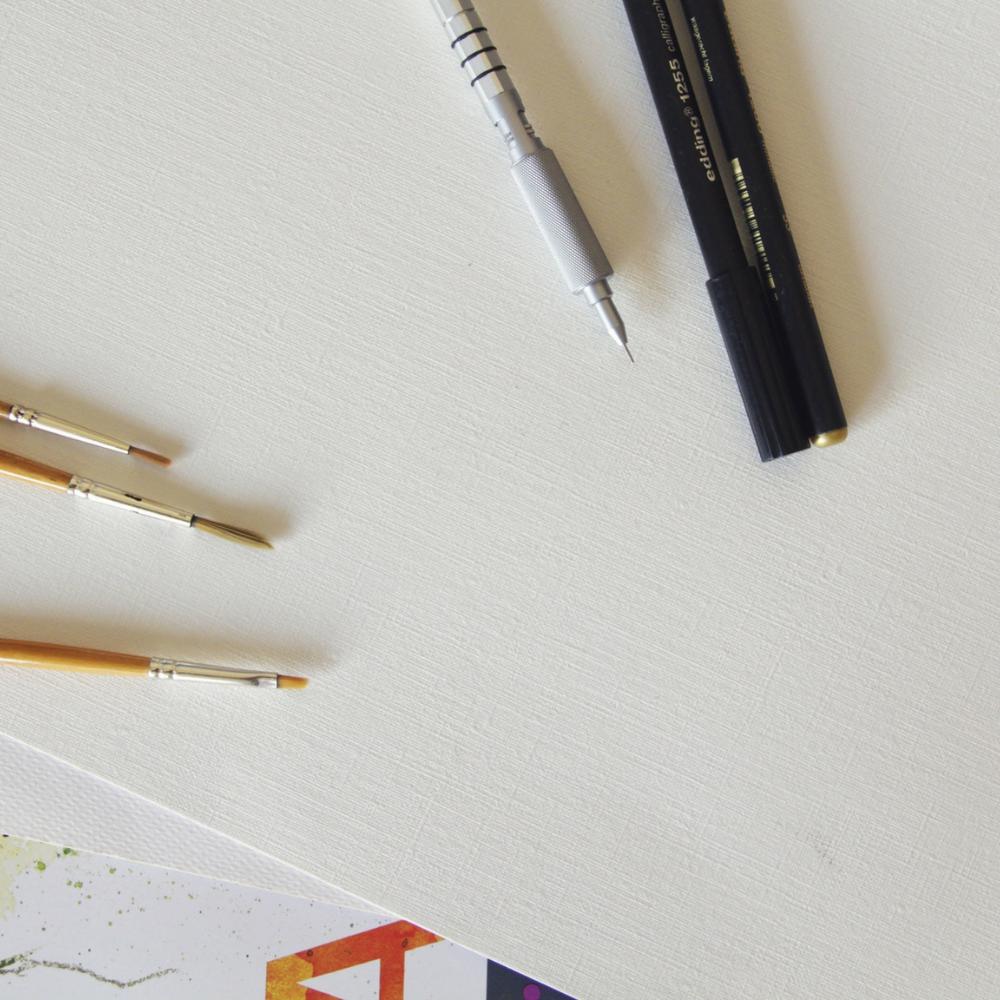
Vellum finish (also called vellum Bristol). This is a solid white sheet. You cannot see through it. "Vellum" here describes the surface: a slight texture you can feel with your thumb, softer than smooth cardstock and flatter than linen. Ink sits into that tooth and dries fast. Our Bright White Vellum Bristol 67 lb is this kind of paper.
Translucent vellum. This is the frosted, see-through sheet crafters use for overlays, wedding invitation wraps, and tracing. It has a hard, sealed surface, so ink has nowhere to soak in. That is the paper most "how to print on vellum" questions are about, and it takes more care.
A plain word on what we sell: today ThunderBolt carries the vellum finish Bristol. We do not have translucent vellum in stock right now. The translucent tips below still work with any brand you buy.
Printing on vellum finish Bristol
Good news first. Vellum finish Bristol prints like a normal sheet. Our 67 lb Bristol works with both laser and inkjet printers with no special settings, and the printed ink dries fast. Here is a short routine that keeps every run clean.
- Pick the paper type. In the print dialog, choose "cardstock," "heavy paper," or "thick paper." At 67 lb (147 GSM), the sheet sits between copy paper and heavy cover stock, so most home and office printers take it from the main tray.
- Print one test sheet. Check the margins, the color, and the fold line if you plan to fold it. A test sheet costs you one page. A bad run of 100 costs you an afternoon.
- Fan the stack. Flex the stack and fan the corners before you load it. Sheets cut on a guillotine can cling at the edges, and a quick fan stops double feeds.
- Print both sides if you like. The sheet has an opacity rating of 97, so type on the back does not show through to the front. Menus, programs, and booklets can run two sided.
- Fold after the ink sets. Give laser prints a minute to cool and inkjet prints a few minutes to dry, then fold. At 67 lb, the sheet folds clean for programs without cracking.
The bright white shade (96 brightness) makes black type crisp and color photos pop. That is a big reason restaurants use it for weekly menus, daily specials, drink menus, and table tents.
Printing on translucent vellum
Translucent vellum takes patience. Its sealed surface does not drink ink, so wet ink sits on top and smears if you touch it too soon. Use these steps with any translucent vellum you own.
- Use a laser printer if you have one. Toner fuses to the surface with heat, so it comes out dry. Choose "transparency" or "thin paper" in the settings if your printer offers it.
- On an inkjet, cut the ink. Choose "draft" or a light ink setting. Less ink means less pooling and a faster dry.
- Feed one sheet at a time. Use the manual feed slot. Thin translucent sheets can slip or skew in a full tray.
- Let each sheet dry flat. Lay inkjet prints face up on a clean table. Do not stack them. Some inks need an hour, some need overnight.
- Hold it by the edges. Fingerprints and oils show on frosted paper. Handle each print by the corners until the ink sets.
Want to paint or draw on vellum instead of printing? Our guide to painting with vellum covers watercolor and ink.
Vellum finish vs translucent at a glance
| Vellum finish Bristol | Translucent vellum | |
|---|---|---|
| Can you see through it? | No, it is a solid sheet | Yes, frosted and see-through |
| Surface | Soft tooth, holds ink | Hard and sealed |
| Printer | Laser or inkjet, normal settings | Laser is best; inkjet on light ink |
| Dry time | Fast | Slow on inkjet, minutes to overnight |
| Best for | Menus, programs, booklets, table tents | Overlays, invitation wraps, tracing |
Vellum Bristol sizes and prices
Every price below comes from the product page today. We cut each pack to order.
| Size | Good for | 50 sheets | 100 sheets | 250 sheets |
|---|---|---|---|---|
| 5.5 x 8.5 | Table tents, small programs, specials cards | $13.99 | $18.89 | $39.19 |
| 8.5 x 11 | Weekly menus, flyers, handouts | $18.89 | $27.99 | $64.39 |
| 8.5 x 14 | Longer menus, drink lists | $21.69 | $34.99 | $75.59 |
| 11 x 17 | Folded menus and booklets | $27.99 | $41.99 | $90.29 |
| 12 x 18 | Posters, large folded programs | $31.49 | $45.49 | $97.29 |
We also cut 11 x 14. Orders over $100 ship free.
Fixes for common vellum print problems
- Ink smears on translucent vellum. Switch to a laser printer, or drop to a draft ink setting and let the sheet dry flat longer.
- The printer pulls two sheets. Fan the stack and load fewer sheets. On thin translucent sheets, feed one at a time.
- Toner rubs off. Set the paper type to heavy or thick paper so the printer runs hotter and slower.
- Colors look dull. On translucent vellum, colors look lighter because light passes through. Put a white sheet behind it, or print on an opaque sheet like vellum Bristol.
Customers who print menus in house tell us the same thing about a good sheet. M. Anderson runs a restaurant and prints menus on our White Linen:
"I print my own menus for my restaurant, and often struggle with paper getting caught in my printer, or not holding up well. This paper is durable, runs through my printer without issue and looks beautiful."
Jon fed our White Smooth through an office laser for a booklet insert:
"Using an HP M452 color printer. Excellent! ... It's fed through the printer manually. No problems!"
For more on picking menu stock, read our guide to the best paper for restaurant menus. Vellum Bristol also tears clean on a perforated line; see our paper perforation guide for tear-off coupons and tickets.
Cut to order in Nampa, Idaho
We cut every pack to order on a guillotine cutter in our shop in Nampa, Idaho, so each sheet in the stack matches the next. Each pack ships flat with a sheet of chipboard on the front and back and shrink wrap around the stack. Need a size you do not see? Send us the measurements and we will cut it for you.
FAQ
Can you print on vellum paper with an inkjet printer?
Yes. Vellum finish Bristol prints on inkjet with normal settings. Translucent vellum works on inkjet too, but use a light ink setting and let each sheet dry flat.
Is vellum paper the same as translucent paper?
No. Vellum finish names a soft surface texture on a solid sheet. Translucent vellum is a separate, see-through paper.
What printer setting should I use for vellum?
For vellum Bristol, pick cardstock or heavy paper. For translucent vellum, pick transparency or thin paper, and use the manual feed slot.
How long does ink take to dry on vellum?
On vellum Bristol, a few minutes. On translucent vellum from an inkjet, it can take an hour or more, so dry each sheet flat and apart.
Can I print on both sides of vellum Bristol?
Yes. Our 67 lb Bristol has an opacity rating of 97, so print on the back does not show through.
Shop vellum and printing paper
Shop Vellum Bristol 67 lb Shop smooth cardstock Shop restaurant paper
Vellum Bristol 67 lb is our vellum finish sheet for menus, programs, and booklets. Smooth cardstock gives you a slick, heavier sheet for cards and covers. The restaurant collection has every menu stock in one place.
Feel the paper first
Not sure which finish fits your project? Our free Paper Sample Pack has ten of our most popular papers as 3 x 5 cards, including smooth, linen, and parchment. Hold each card under your own light, write on it with your own pen, and pick the feel you like best. Every pack comes with a 10% off code for your order.
Get the free Paper Sample Pack
ThunderBolt Paper Team
thunderboltpaper.com